WordPress Hosting Speed Comparison & Real Benchmarks 2026

Hostinger is widely reported as one of the fastest hosts in the budget-to-mid tier for small teams in 2026, especially when you look at server response time (TTFB).
Most hosting speed comparisons are misleading because they test optimised demo sites or average results across regions that don’t match your audience. This article explains what actually matters for small teams and how you can test any host yourself before committing.
How to Test Hosting Speed Yourself in 2026
Instead of relying on marketing claims, run your own quick tests. It takes less than 10 minutes and gives you honest data for your own situation.
Simple test method:
- Sign up for a short-term plan (most hosts offer 30-day money-back guarantees)
- Install a clean WordPress site with Astra theme (no extra plugins or CDN)
- Import a small starter template with 8–12 pages and a few images
- Use GTmetrix (free) or Google PageSpeed Insights
- Choose a test server location close to your main audience
- Run the test 3–5 times at different times of day and average the results
Key metrics to watch:
- TTFB (Time to First Byte) – the most important hosting-specific number
- LCP (Largest Contentful Paint) – what Google uses for Core Web Vitals
- Total Load Time – real-world user experience
See also: WordPress Speed Optimization in 2026
Speed Performance Trends in 2026
Independent benchmarks and user reports consistently show the following pattern for small-team WordPress sites:
| Provider | Typical TTFB Range | Typical LCP Range | Notes |
|---|---|---|---|
| Hostinger Business | 350–450ms | 1.2–1.6s | Strong consistency and good value |
| GoDaddy Managed WP | 550–750ms | 1.9–2.5s | Adequate but less consistent |
| Namecheap EasyWP | 700–900ms | 2.4–3.0s | Cheapest but slowest in this group |
Google Core Web Vitals reference:
- LCP Good = under 2.5s
- TBT Good = under 200ms
- CLS Good = under 0.1
Quick Recommendations by Use Case
| Use Case | Recommended Host | Reason |
|---|---|---|
| General small-team business site | Hostinger Business | Strong reported speed and consistency |
| WooCommerce store | Hostinger Business | Speed directly affects conversion rate |
| Budget-first, low-traffic site | Namecheap EasyWP | Lowest cost; speed less critical at very low traffic |
| Need phone support | GoDaddy | Only advantage that justifies the price premium |
What the Numbers Actually Mean for Small Teams
TTFB is the hosting floor. Everything else (caching, CDN, image optimisation) builds on top of it. A lower TTFB gives you more room before you hit performance problems.
LCP is what Google cares about for rankings. A host that keeps LCP comfortably under 2.5s on a clean site gives you headroom when you add real content and plugins.
Consistency matters. A host that is fast most of the time but occasionally slow creates a worse user experience than one that is reliably “good enough”.
The speed gap compounds. Every additional plugin, image, or database query makes the difference between hosts larger.
See also: How to Choose the Right WordPress Hosting Plan for Your Small Team in 2026
FAQ
Are these performance numbers representative of what my site will experience?
Directionally yes. Real sites with more content and plugins will show higher absolute times, but the relative differences between providers usually stay consistent.
Why didn’t you test Kinsta, WP Engine, or SiteGround?
This article focuses on providers relevant to small teams making budget-conscious decisions. Premium managed hosts like Kinsta and WP Engine start at $35+/month and are covered in separate guides.
Does the test location affect the results?
Yes. Test from a location close to your main audience. If your visitors are spread across regions, a free CDN like Cloudflare becomes more important than host choice alone.
How much does caching change these results?
Substantially. Caching reduces TTFB on all hosts, but the relative performance gap between providers usually remains.
Should I switch hosts based on speed alone?
Use speed as one input. Pricing transparency, support, backups, and upgrade paths also matter. See our How to Choose the Right WordPress Hosting Plan guide for the full decision framework.
See also: Best WordPress Hosting for Small Teams in 2026
See also: Best Budget WordPress Hosting for Small Teams in 2026
Keep Reading
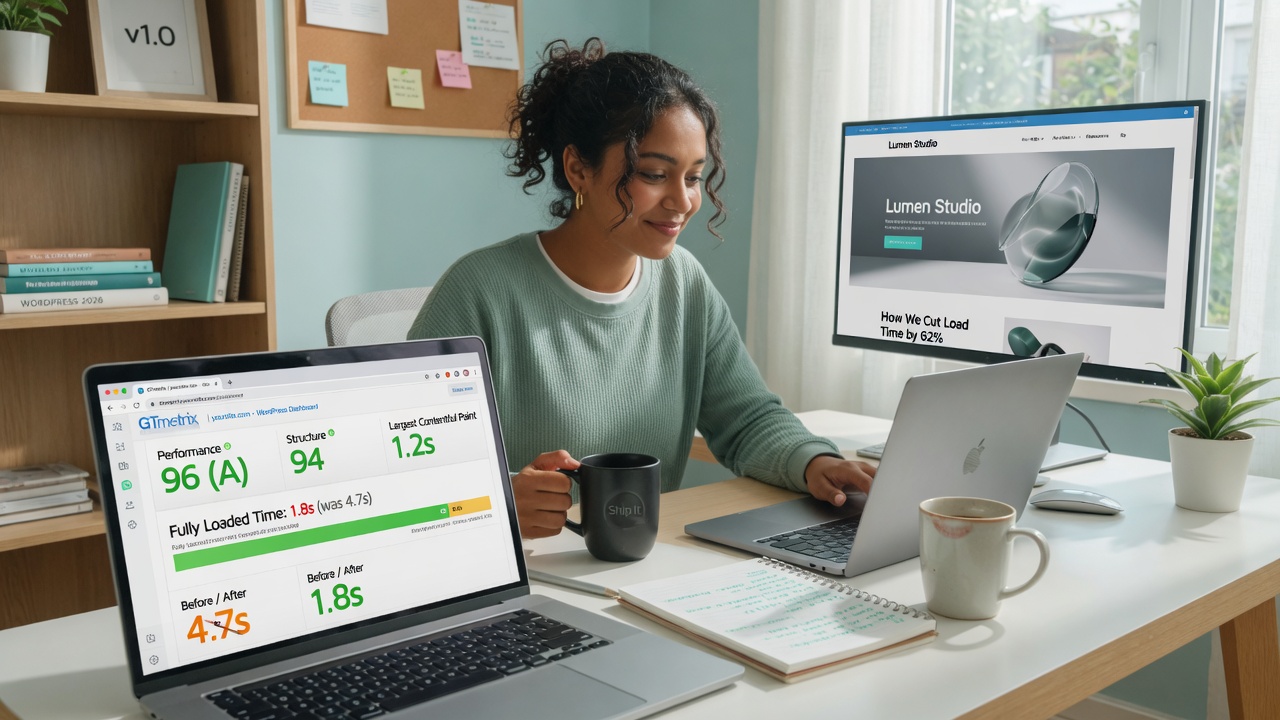
WordPress Speed Optimization in 2026 – What Actually Works for Small Teams (Without Expensive Plugins)
We reviewed what actually improves WordPress speed for small teams in 2026. Here are the practical, no-fluff techniques that deliver real results — without expensive plugins or developer help.
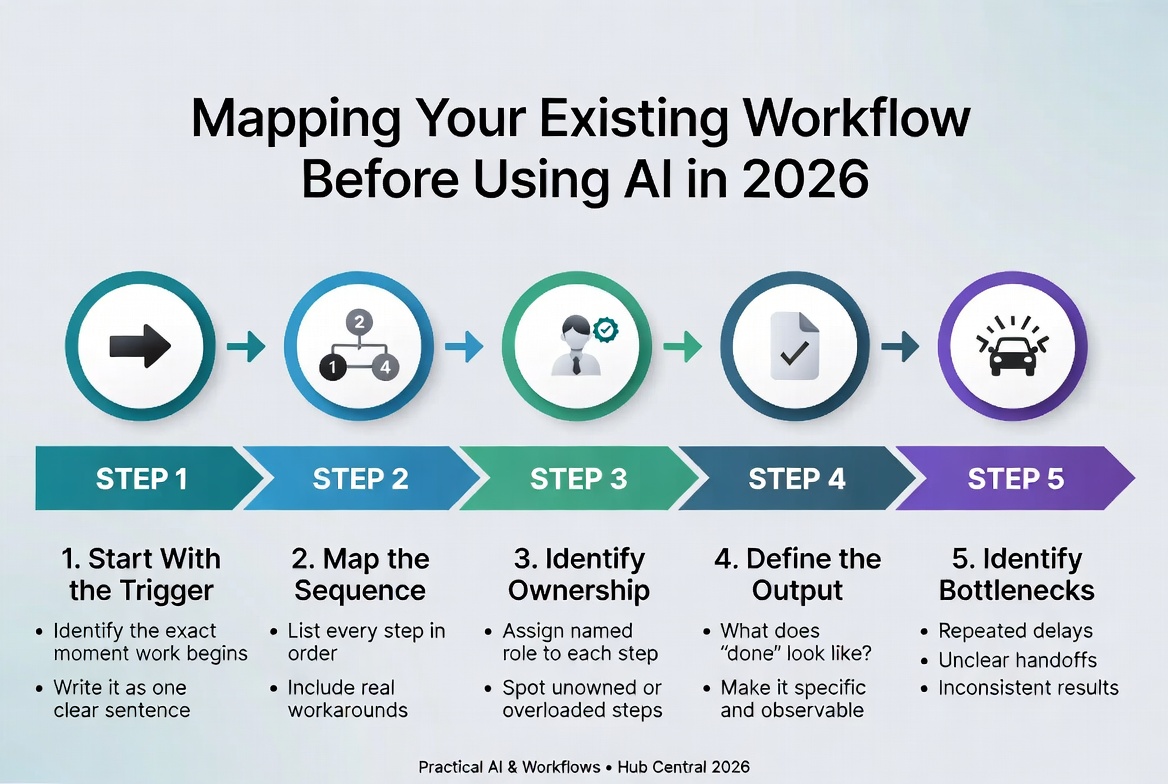
How to Map a Workflow Before Using AI | Hub Central
Learn how to map a business workflow before introducing AI, identify bottlenecks, separate automation from AI, and design human-in-the-loop processes.
About Okel Dijital Team
Written by the Hub Central editorial team. We test real AI workflows and WordPress processes to help small teams work faster and smarter.