WordPress Speed Optimization in 2026 – What Actually Works for Small Teams (Without Expensive Plugins)
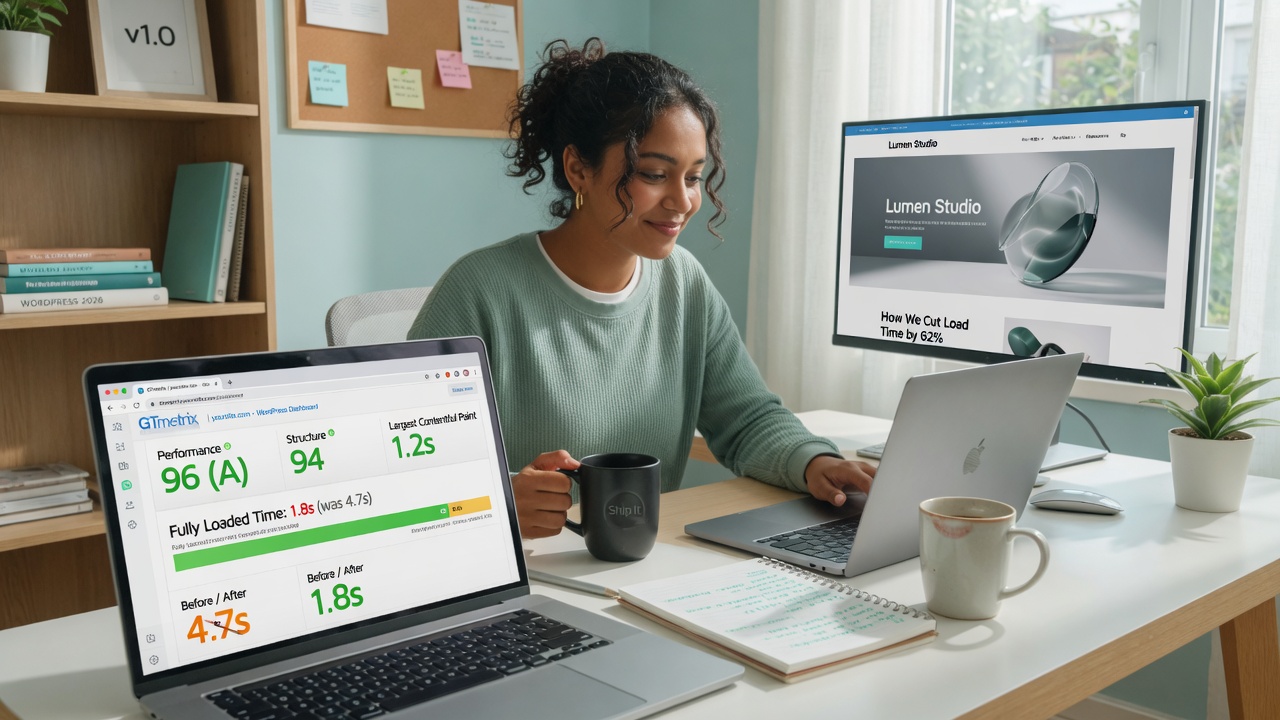
The single highest-impact thing you can do for WordPress speed in 2026 is fix your images first.
Oversized, uncompressed images are still the biggest cause of slow load times on small-team sites — and they are completely free to fix.
Most speed advice fails because it jumps straight to caching plugins and CDNs before the fundamentals are right. Caching a slow site only makes it a slightly faster slow site. The real gains come from working in the right order: server first, images second, caching third, code last.
The 5 Things That Actually Move the Needle in 2026
1. Start With Your Host — Everything Else Depends on It
No plugin or optimisation will rescue a site on a slow host. If your Time to First Byte (TTFB) is consistently high, you have a server problem.
What good looks like: A well-configured host should deliver under 400–500ms TTFB.
What to do: Run your site through GTmetrix (free). If your TTFB is over 500ms, read our Best WordPress Hosting for Small Teams in 2026 guide before touching anything else.
2. Fix Your Images — This Is Where Most Sites Lose
Images still account for the majority of page weight on small-team WordPress sites.
Three things that matter:
- Use WebP format (WordPress 6.1+ does this automatically if your host supports it)
- Never upload images wider than your content column (usually 1200–1400px)
- Bulk-compress your media library with a good tool
We recommend Abate (our own tool), ShortPixel, or Imagify — all of which run directly inside WordPress and deliver excellent compression with minimal quality loss.
Before/after reality: Fixing formats and compression on a typical homepage with 8 images often cuts 1.5–3MB of page weight.
3. Add a Caching Layer — But Keep It Simple
Caching stores a static version of your pages so the server doesn’t rebuild them on every visit.
What actually works for small teams:
- WP Super Cache – free and lightweight (good default)
- LiteSpeed Cache – free and powerful if your host runs LiteSpeed (Hostinger does)
What to avoid: Stacking multiple caching plugins or buying a premium one when a free option will do the same job.
4. Cut Unnecessary Code — Plugins and Scripts
Every plugin adds PHP code that runs on every page load.
What to do:
- Deactivate any plugin you haven’t actively needed in the last 30 days
- Replace heavy plugins with lighter alternatives
- Defer non-critical scripts (most caching plugins can do this automatically)
5. Enable a CDN (Takes 10 Minutes, Lasts for Years)
A Content Delivery Network serves your static files from servers close to each visitor.
Best options for small teams:
- Cloudflare Free tier – best starting point
- BunnyCDN – affordable paid option with excellent performance
What to do: Point your domain to Cloudflare and enable Auto Minify.
What Most Small Teams Waste Time On
- Running database optimisation plugins weekly
- Using heavy page builders and relying on their “performance modes”
- Obsessing over PageSpeed Insights scores instead of real user metrics
- Adding more caching when the host is the bottleneck
Quick Win Checklist: What to Do Today
- Run your site through GTmetrix and note your current TTFB
- Compress your existing media library with Abate, ShortPixel or Imagify
- Enable WebP conversion if it’s not already active
- Install and configure a simple caching plugin
- Deactivate any plugin you haven’t used in 30 days
- Set up Cloudflare Free tier and enable Auto Minify
- Re-test after each major change
See also: Best WordPress Hosting for Small Teams in 2026
See also: Mapping Your Existing Workflow Before Using AI
See also: A Step-by-Step AI Integration Checklist for Small Teams
Keep Reading
How to Safely Use AI Tools with WordPress in 2026 – A Practical Guide for Small Teams
A clear, step-by-step guide for small teams on how to safely add AI tools to WordPress without breaking your site, losing control, or creating new problems. Real workflows, safety checkpoints, and what actually works in 2026.

Best Budget WordPress Hosting for Small Teams in 2026 – Honest Comparison & Recommendations
We compared the best budget WordPress hosting options for small teams in 2026. Here’s the clear winner, honest pros/cons, real pricing transparency, and which provider actually delivers value without hidden renewal shocks.
About Okel Dijital Team
Written by the Hub Central editorial team. We test real AI workflows and WordPress processes to help small teams work faster and smarter.