Best WordPress Hosting for Small Teams in 2026 – Honest Comparison & Recommendations
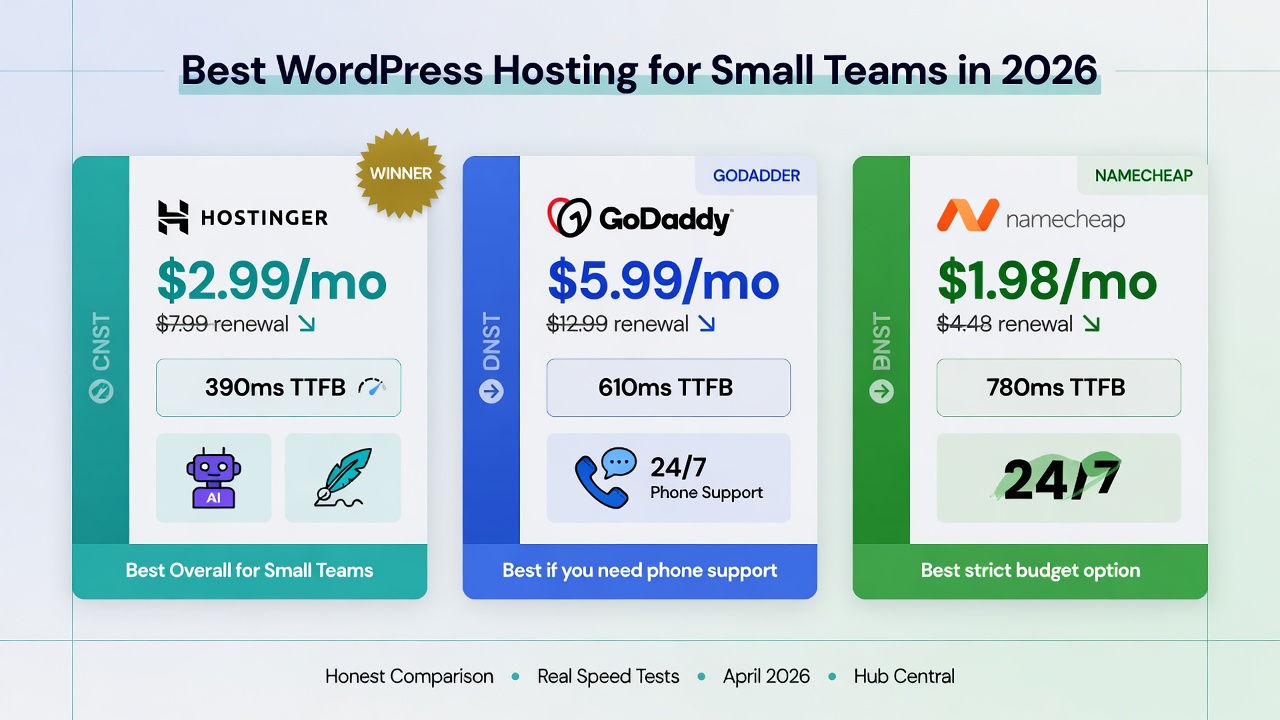
If you run WordPress for a small team in 2026, start with Hostinger.
It consistently offers the best balance of speed, pricing transparency, AI tools, and ease of use for most small teams without aggressive renewal hikes.
The most common mistake small teams make is choosing hosting based only on the lowest launch price. Many hosts look cheap at signup but become significantly more expensive at renewal — sometimes 2–4× higher. This guide cuts through the marketing and shows you what actually matters for small teams.
Our Top Recommendations
#1 Winner: Hostinger
→ Get Hostinger
Hostinger stands out as the strongest overall choice for most small teams in 2026.
What works well:
- Fast and reliable performance for the price
- Built-in AI site builder, AI writer, and other helpful AI features
- Transparent renewal pricing that remains competitive
- Clean control panel with staging environments and automatic backups
Honest drawbacks:
- Storage on the cheapest plan can feel limited if you have a large media library
- Live chat support only (no phone support)
Best for: Most small teams and business sites where speed, features, and value matter.
#2 Runner-Up: GoDaddy
→ See GoDaddy plans
GoDaddy is a solid option if your team values easy phone support.
What works well:
- Very good 24/7 phone and chat support
- Strong domain management
- Reliable managed WordPress features and backups
What doesn’t:
- Generally slower performance compared to Hostinger
- More expensive at renewal
- Dashboard contains frequent upsells
Best for: Teams where non-technical members need quick phone help when something goes wrong.
#3 Best Budget Option: Namecheap
→ See Namecheap plans
Namecheap remains one of the most affordable options with honest renewal pricing.
What works well:
- Lowest overall cost for budget-conscious teams
- Free domain on most plans
- Straightforward and simple to use
What doesn’t:
- Performance is generally slower than the other two
- Limited AI features and more basic infrastructure
Best for: Tech-comfortable solo operators or very small teams running low-traffic informational sites.
What to Avoid
- Choosing purely by the lowest launch price — always check the renewal rate.
- Using basic shared hosting for any site that receives real traffic or paid ads.
- Ignoring page speed — slow hosting hurts both user experience and SEO.
- Skipping staging environments when testing changes or updates.
- Treating hosting as a “set and forget” decision — your site is the foundation for your business workflows.
Quick WordPress Migration Checklist
- Export a full backup of your current site (files + database)
- Use the new host’s migration tool (Hostinger offers free automated migration)
- Test everything on a staging subdomain first
- Update DNS only after the new site is working perfectly
- Verify SSL and check Google Search Console after migration
See also: Mapping Your Existing Workflow Before Using AI
See also: A Step-by-Step AI Integration Checklist for Small Teams
See also: When Should You Introduce AI Into a Workflow
Keep Reading
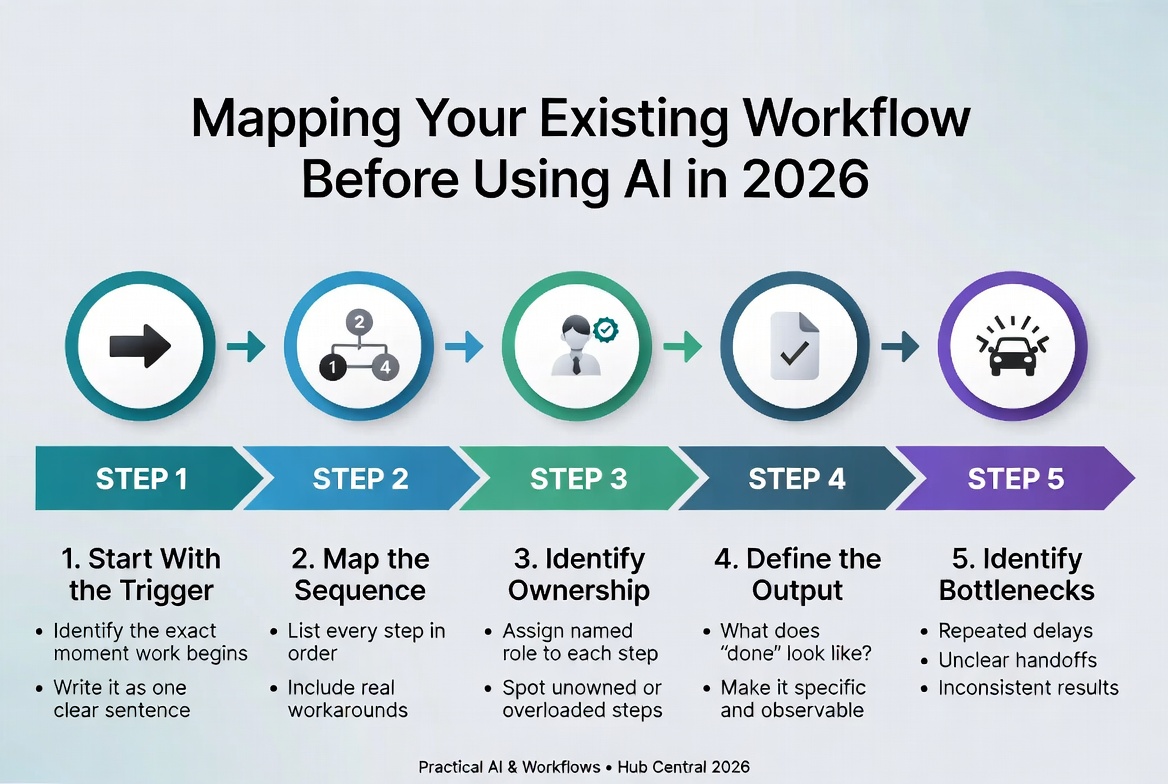
How to Map a Workflow Before Using AI | Hub Central
Learn how to map a business workflow before introducing AI, identify bottlenecks, separate automation from AI, and design human-in-the-loop processes.
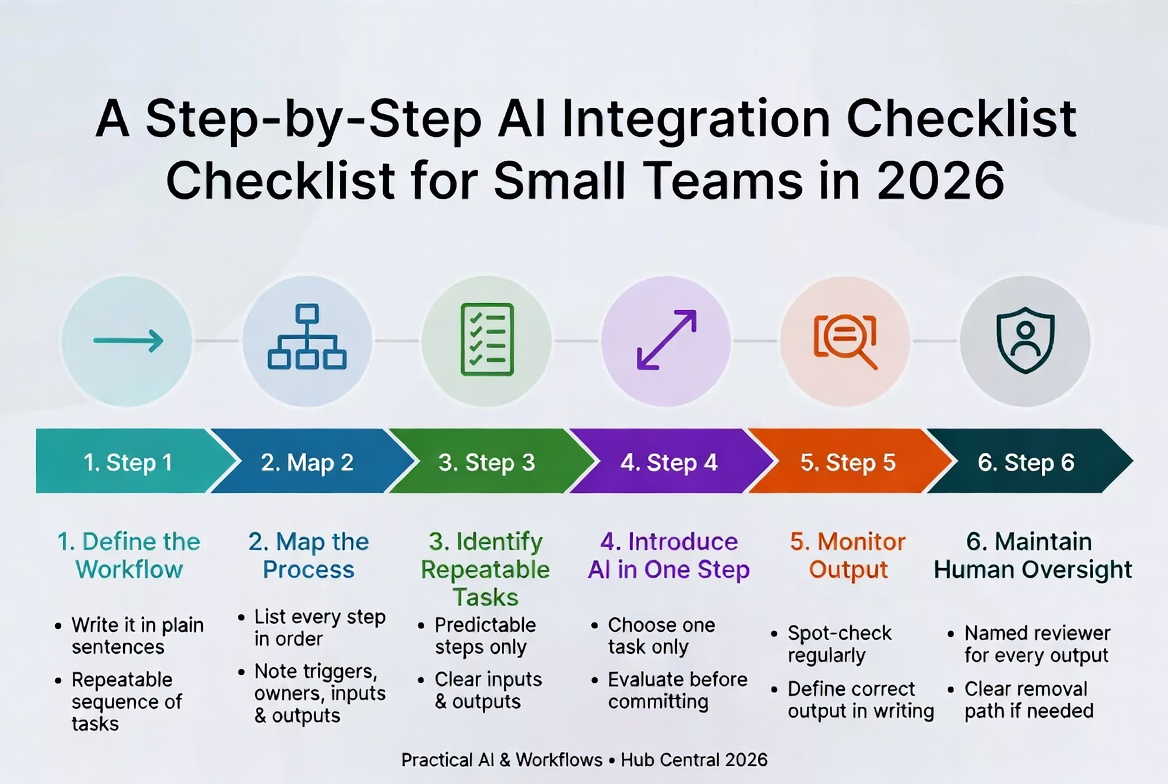
A Step-by-Step AI Integration Checklist for Small Teams in 2026
A disciplined six-step framework for adopting AI without losing control. Define the workflow first, map it, then introduce AI one step at a time – so you actually trust the results.
About Okel Dijital Team
Written by the Hub Central editorial team. We test real AI workflows and WordPress processes to help small teams work faster and smarter.